Running ver in a Windows container doesn’t report the version number that you expect.
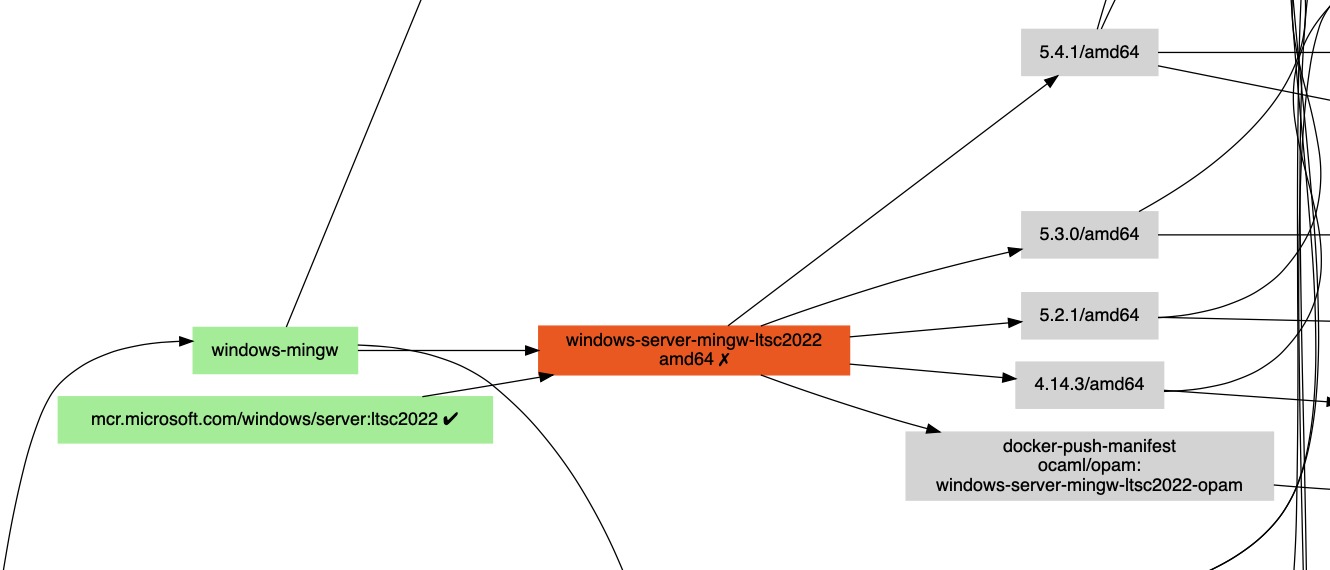
ocurrent/docker-base-images publishes the Docker images that the OCaml CI pipeline systems use. For Windows, it pulls the generic LTSC tag, runs the container to determine the exact version, and then uses that exact tag for the builds.
On Windows 2022 server, pulling mcr.microsoft.com/windows/server:ltsc2022 then running ver produces 10.0.20348.5020 exactly as you would expect, but running that same sequence on a Windows 2025 host returns 10.0.26100.5020.
10.0.26100.5020 is not a real Windows release.
10.0.20348.xWindows Server 2022 (LTSC, build 20348)10.0.26100.xWindows Server 2025 / Windows 11 24H2 (build 26100)
The 5020 UBR belongs to the 20348; the 26100 has its own UBR sequence. The combination 26100.5020 does not correspond to any released Windows version, so the tag 10.0.26100.5020 can’t be pulled.
Rather than running ver, I changed the probe command to query the containers registry at HKLM:\SOFTWARE\Microsoft\Windows NT\CurrentVersion, which does report the correct image build version rather than a partial kernel version number:
CurrentMajorVersionNumber : 10
CurrentMinorVersionNumber : 0
CurrentBuildNumber        : 20348
UBR                       : 4170
In the code, this ver command changed
for /f "tokens=4 delims=[] " %a in ('ver') do echo %a
to this PowerShell query:
$k = Get-ItemProperty 'HKLM:\SOFTWARE\Microsoft\Windows NT\CurrentVersion'
'{0}.{1}.{2}.{3}' -f $k.CurrentMajorVersionNumber, $k.CurrentMinorVersionNumber, $k.CurrentBuildNumber, $k.UBR
The change is in PR#348